
Directory Path Mapping
What is Directory Path Mapping
Section titled “What is Directory Path Mapping”When software adds new games, the game’s save directory, configuration directory, and other directories are structured as multi-directories, each requiring a unique directory name. However, when saving archives, the directory path is not saved to the archive data; only the directory name and the files within it are saved. This design is to facilitate archive data transfer across devices, as the directory path for the same game can vary significantly across different gaming platforms and user operating system settings on different devices. Therefore, directly using paths from one device on another is usually not feasible.
In response, the software’s strategy is not to save any directory paths in the archive data. Instead, when reading archive data, it combines the current game’s configured directory paths to directly calculate which paths on the current device should correspond to the directories in the archive. This calculation process is directory path mapping.
Missing Directory Path
Section titled “Missing Directory Path”The algorithm for directory path mapping is quite simple. First, for all types of directories, if the directory name configured in the current game matches the directory name saved in the archive, the corresponding directory path can be used directly. Second, for save directories and configuration directories, if there is only one directory configured and only one saved in the archive, this single directory path can also be mapped. However, this principle does not apply to other directories, as these are not restricted in scope and must match by directory name.
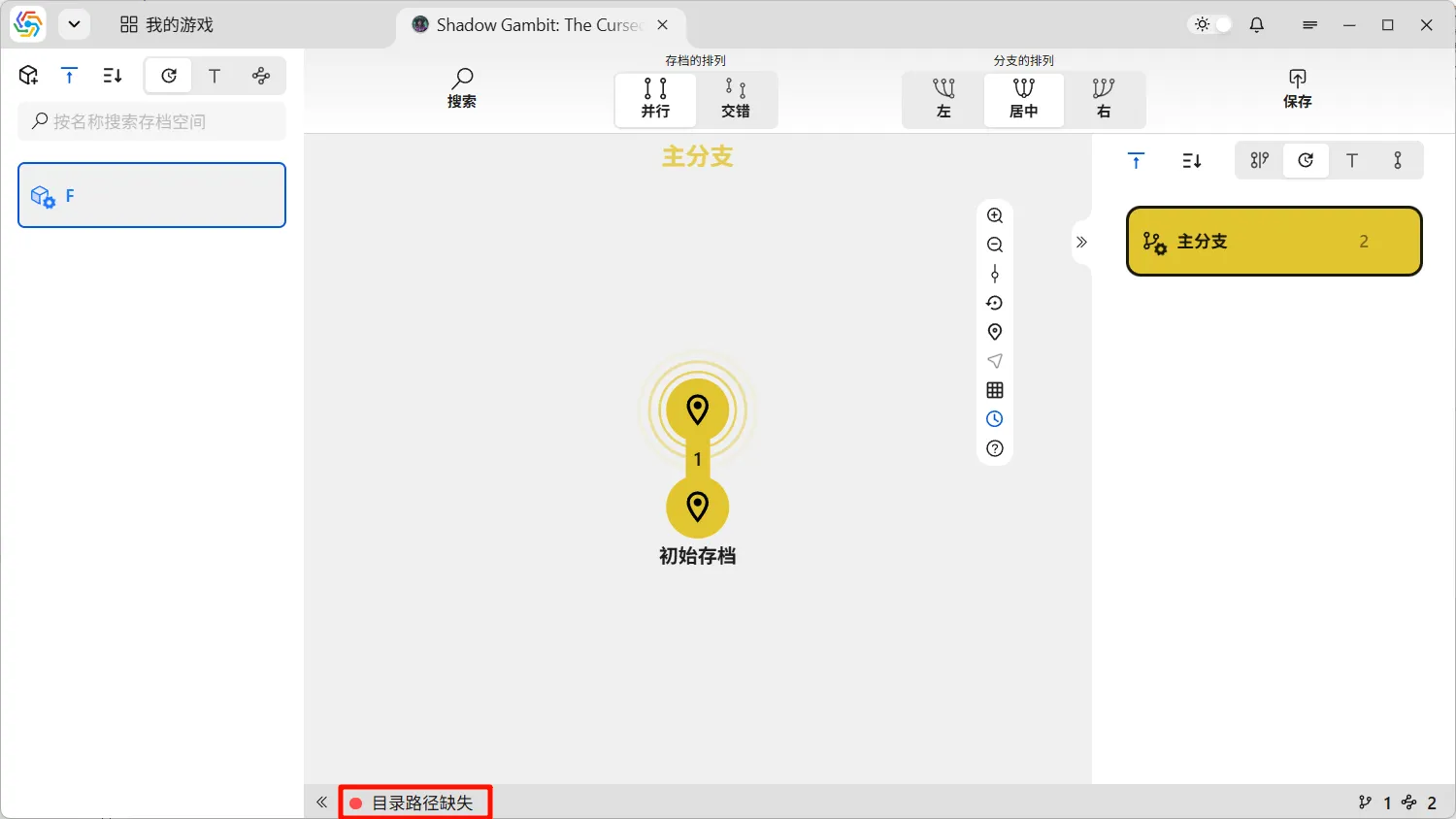
Clearly, this algorithm is sufficient for most situations. However, in a minority of cases, it may still be impossible to calculate certain directory paths. At this point, the game’s archive status will become “Missing Directory Path”:
Completing Directory Paths
Section titled “Completing Directory Paths”When an archive is missing directory paths, the software cannot compare it with other archives. If the archive currently in use is missing directory paths, the software has no way of knowing if there are new archives pending submission. In this situation, a dialog box will appear, requiring you to manually complete the directory paths:
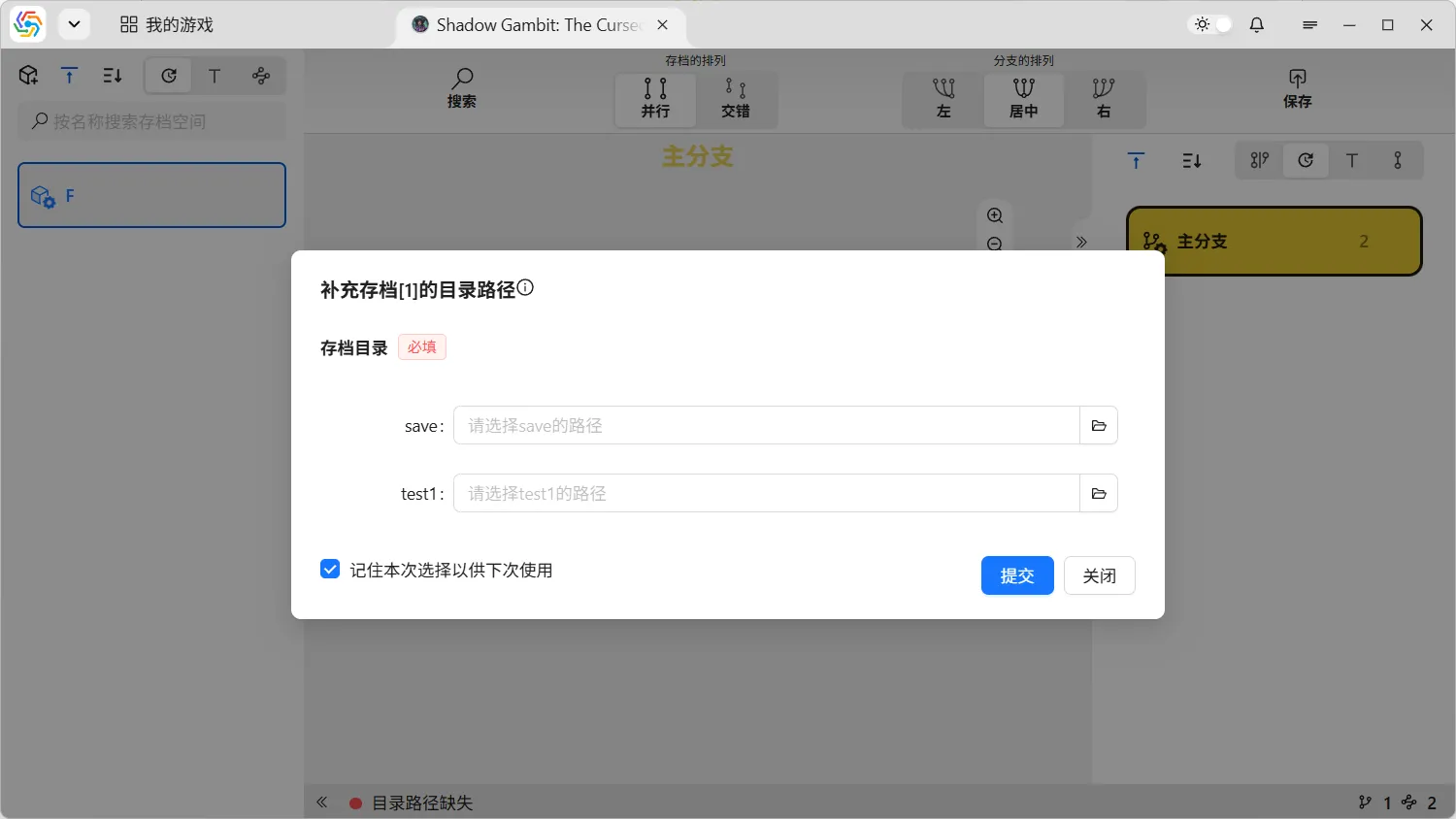
When using older archives, the software also needs to compare differences between the old archive and the current real-time archive. If the old archive is missing directory paths, this dialog will appear. Furthermore, before using an old archive, the software needs to remind you not to forget unsaved archives. If the archive currently in use is also missing directory paths, this dialog will appear twice.
Manually Changing Directory Paths
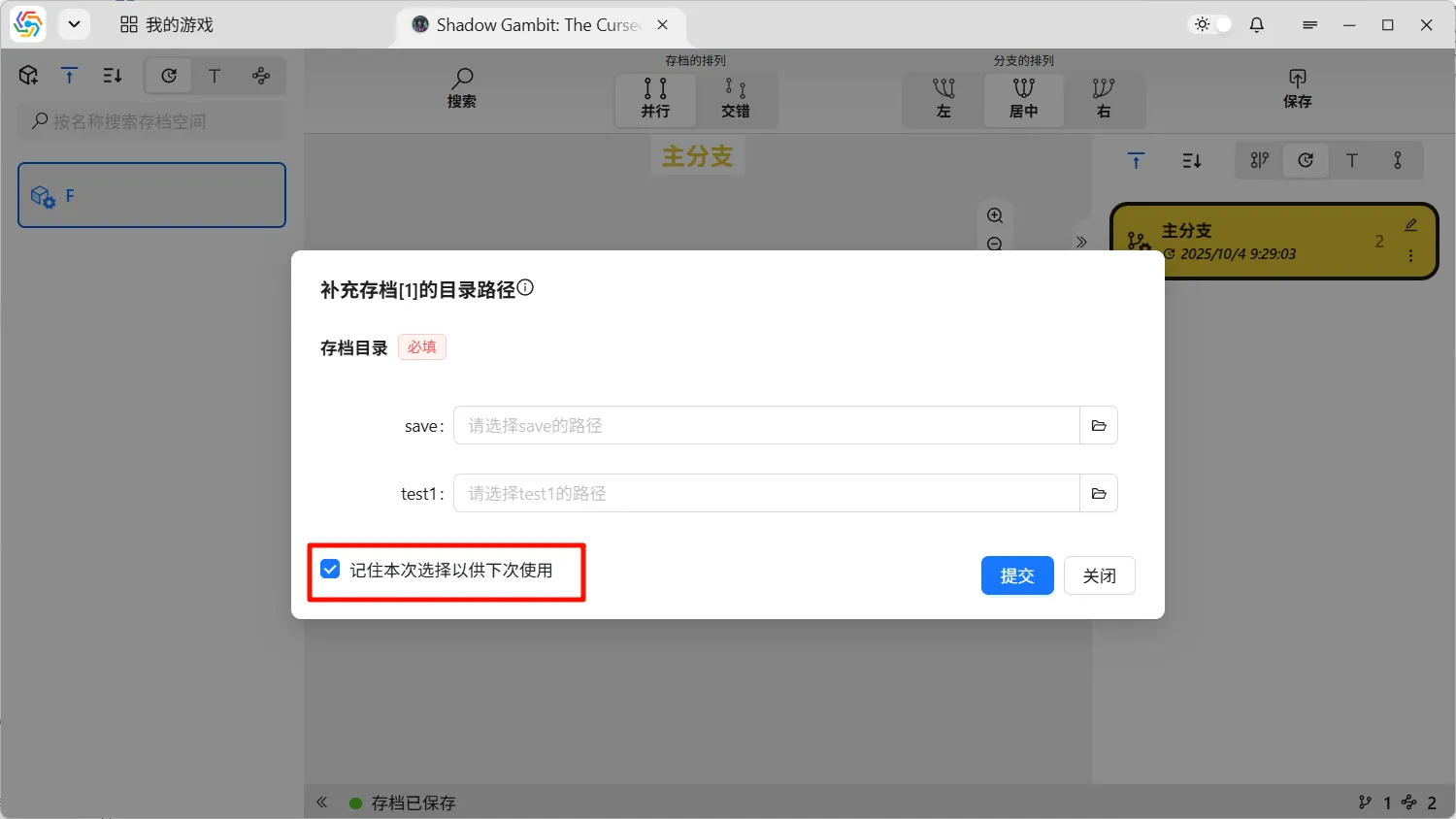
Section titled “Manually Changing Directory Paths”To prevent archives with missing directory paths from repeatedly requiring completion every time you operate on them, you can save the completion result from the current operation in the bottom-left corner of the path completion dialog. This saved path will be automatically used for future operations, eliminating the need for the completion dialog to appear again:
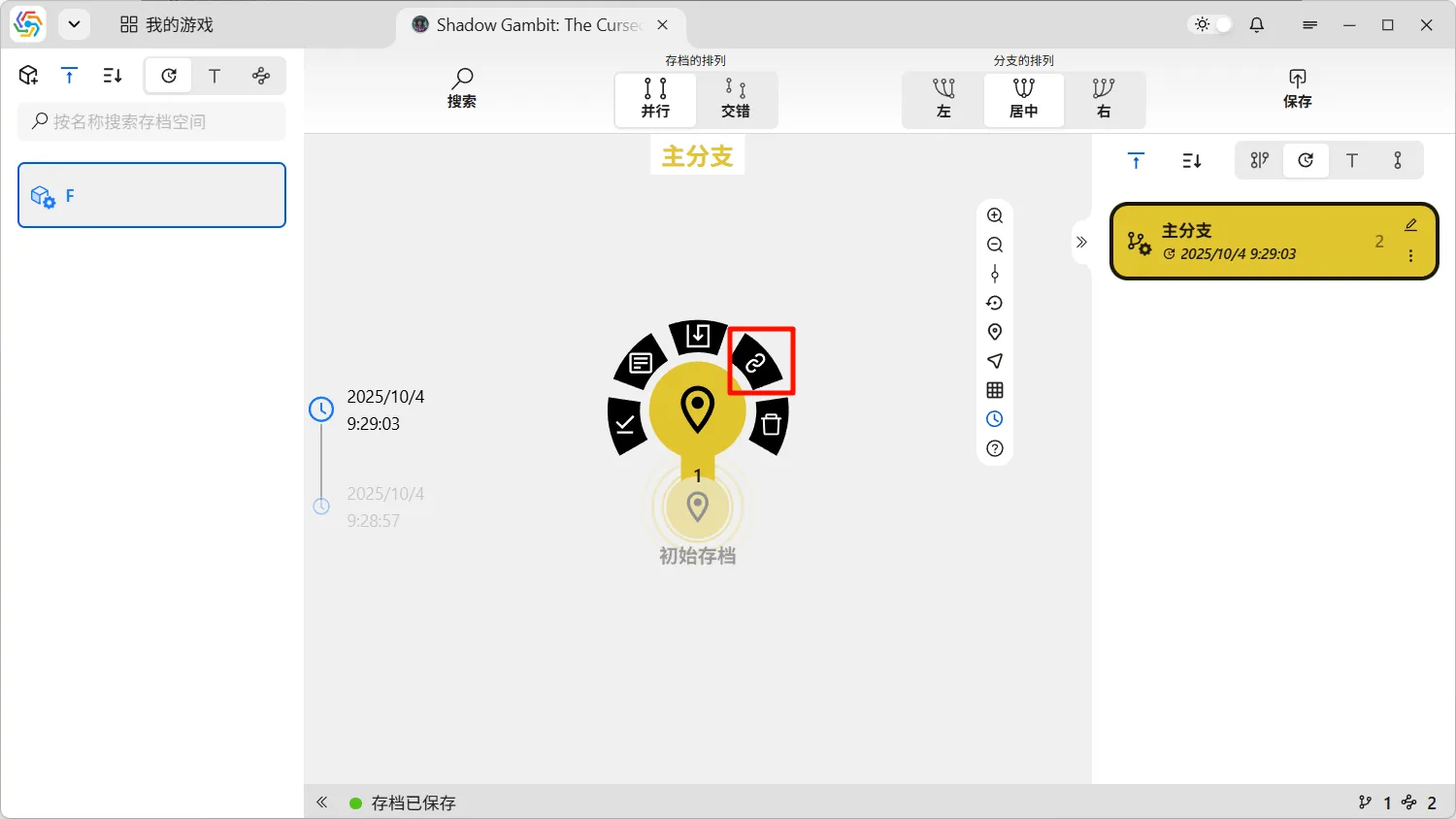
Considering that in practical use, many consecutive archives might be saved under the same game configuration, the completion results saved by the operation described above can also be automatically used by adjacent archives. If the directory paths automatically obtained by the software under this mechanism do not meet your expectations, you can manually change the directory path for that archive in the circular menu of the archive node: