

Data Migration
Archive Data Migration
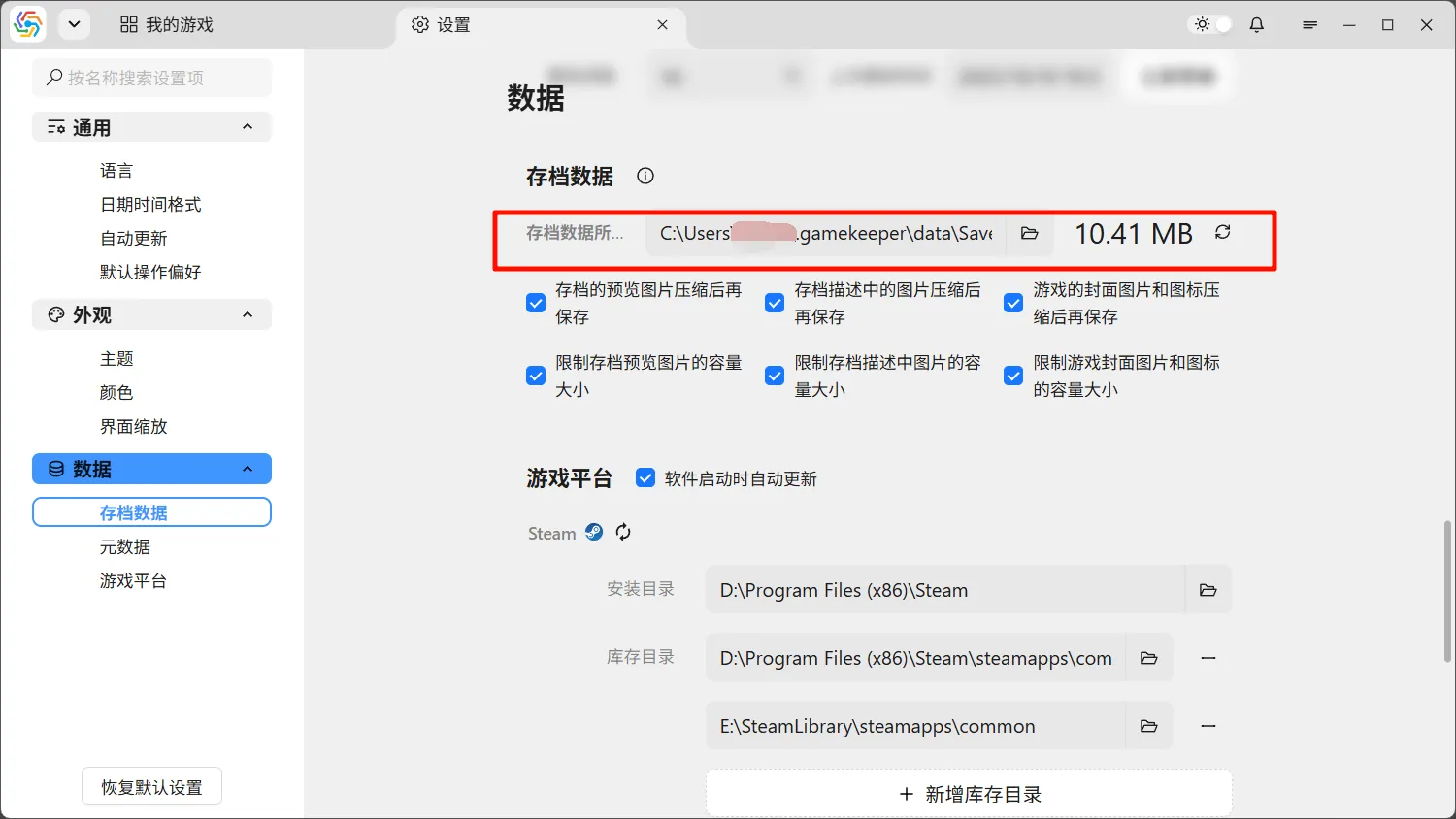
Section titled “Archive Data Migration”The archive data saved by the software is located on the system drive by default. If your archive data grows larger, you can consider migrating it to another directory. First, manually move the data to the new directory (it is recommended to copy and then delete the old directory after confirming it is correct). Then, in the software’s settings page, under the Data ----> Archive Data option, change the directory for the archive data to the new directory:
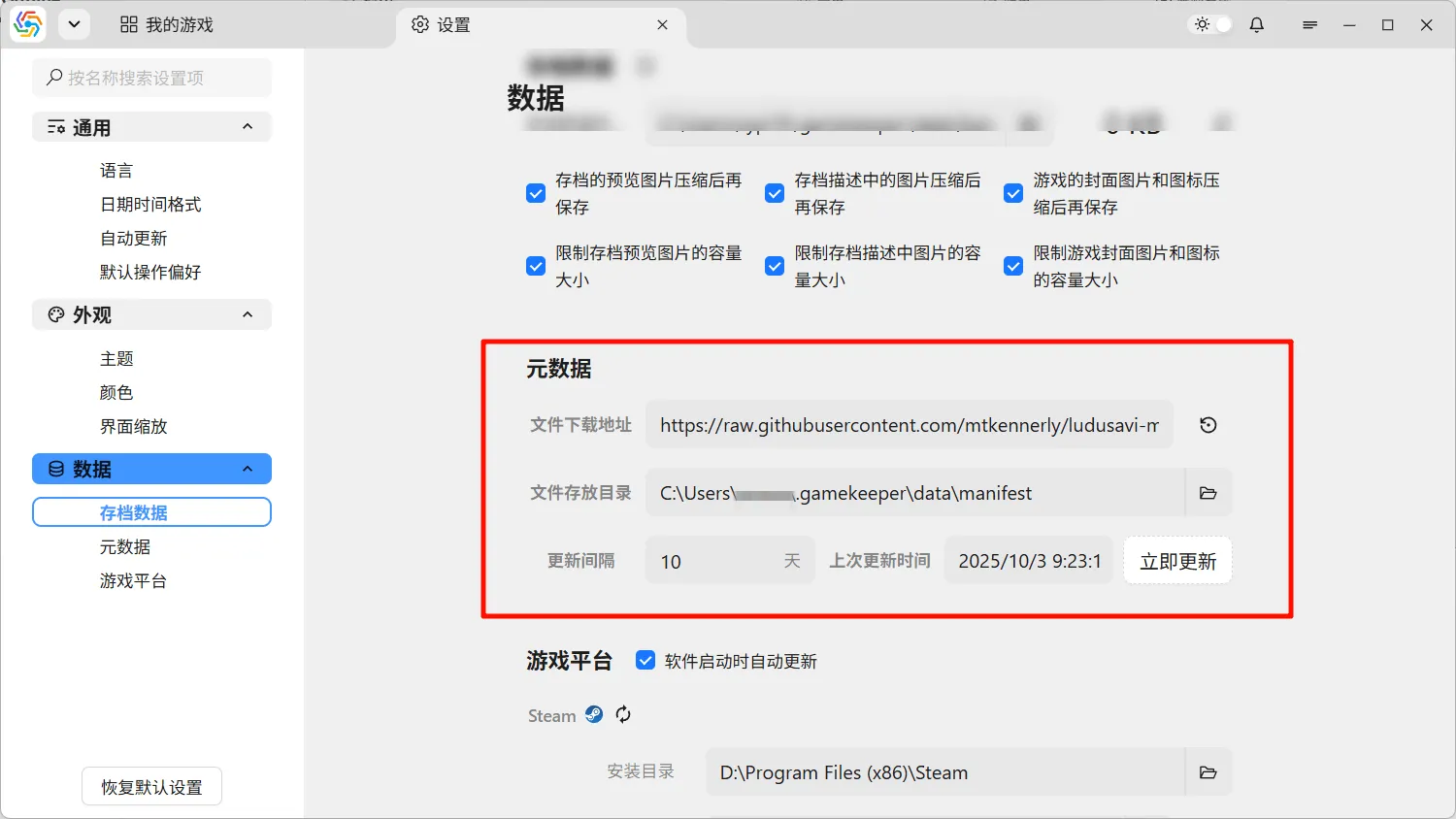
Similarly, the storage location for metadata files can also be migrated:
Cloud Data Source Migration
Section titled “Cloud Data Source Migration”Cloud data sources in the settings page can be migrated by exporting them into a file and then importing. For details, refer to Cloud Data Sources;