

Software License
How to Get Pro
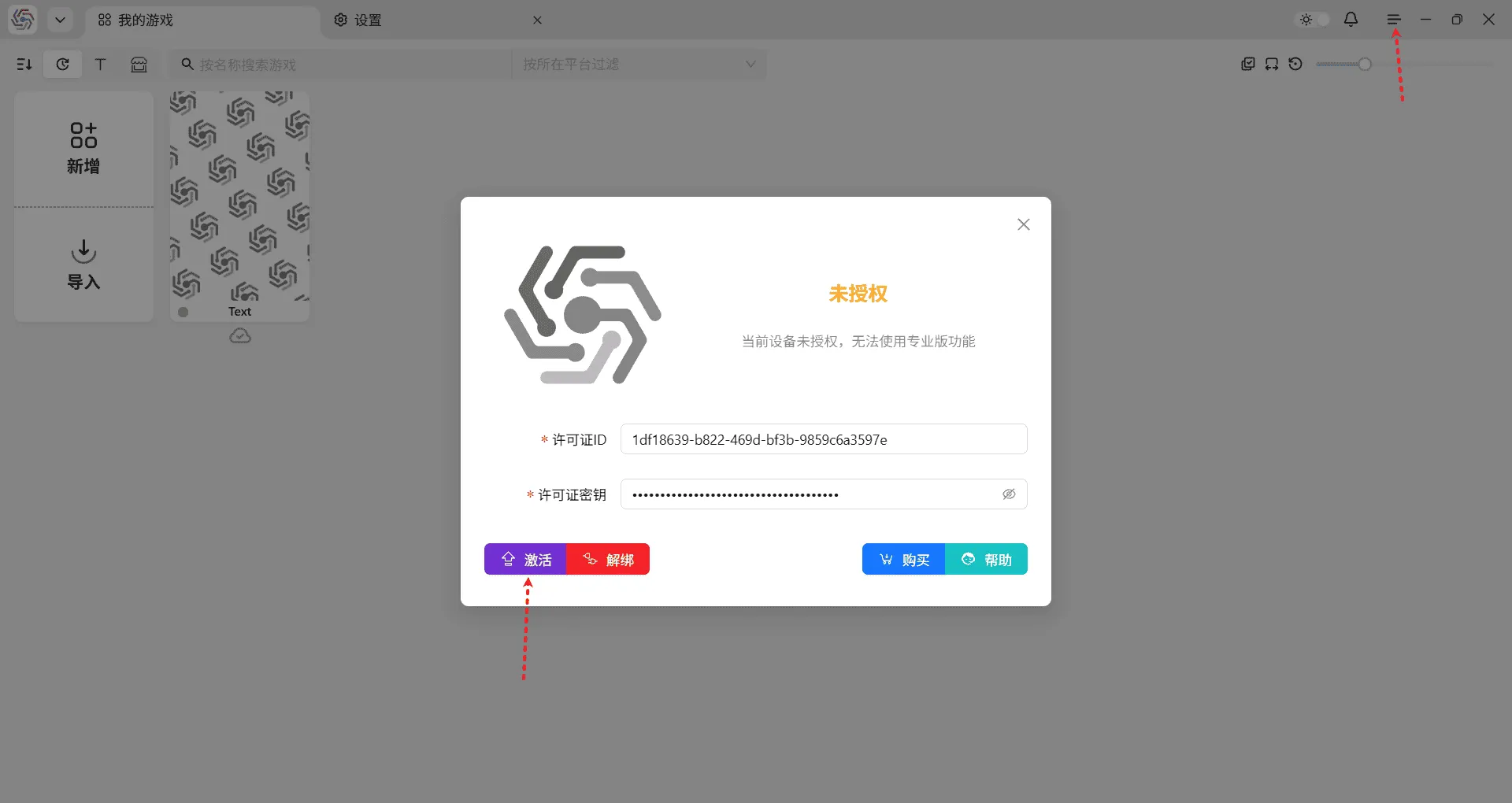
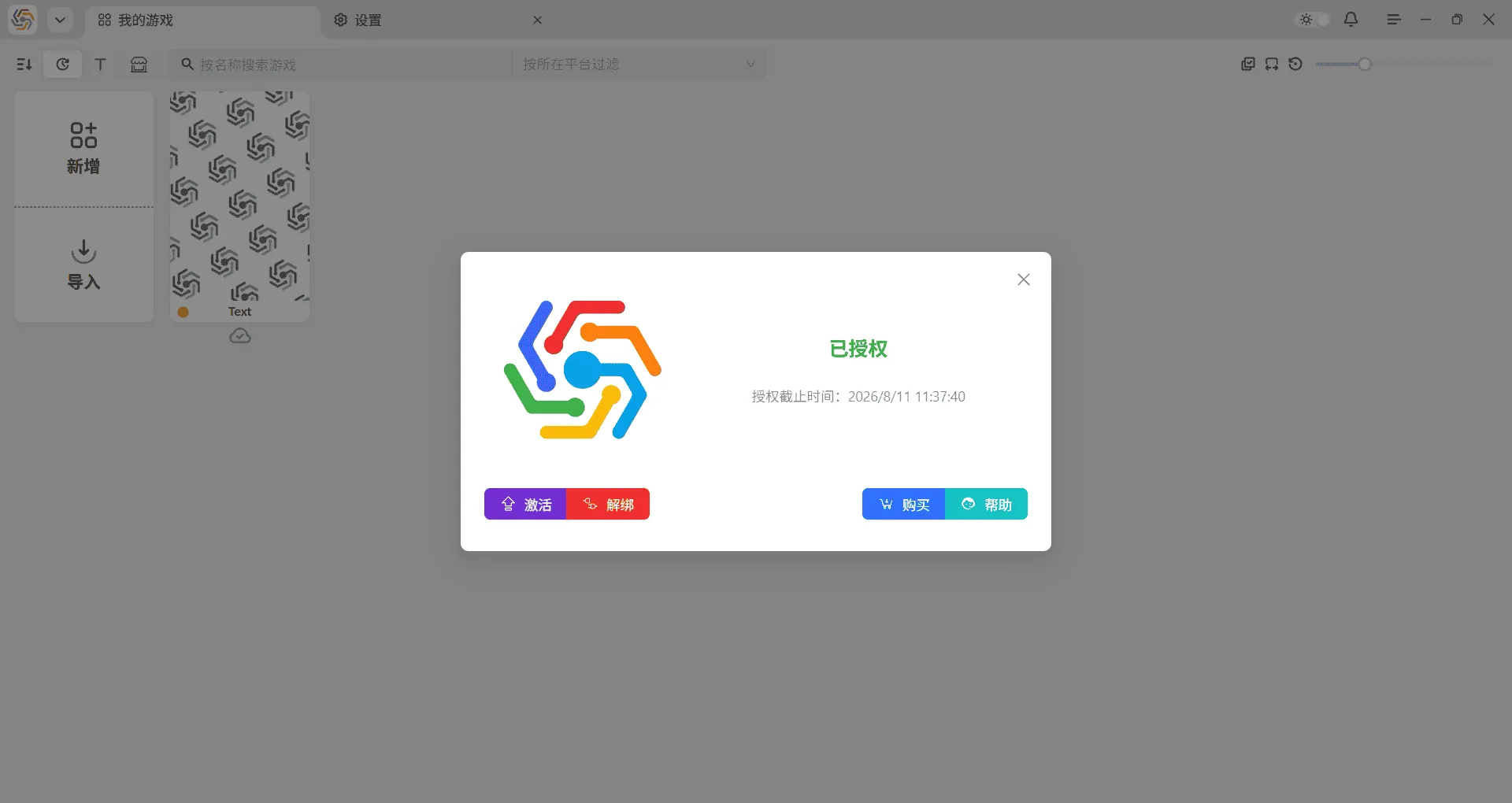
Section titled “How to Get Pro”After purchasing the Pro version on the official website’s download page, you will receive a license ID and a license key. Open the software license interface in the upper right corner of the software, click the activate button, enter the license ID and key, and then click the activate button again to activate the Pro version:
Device Rebinding
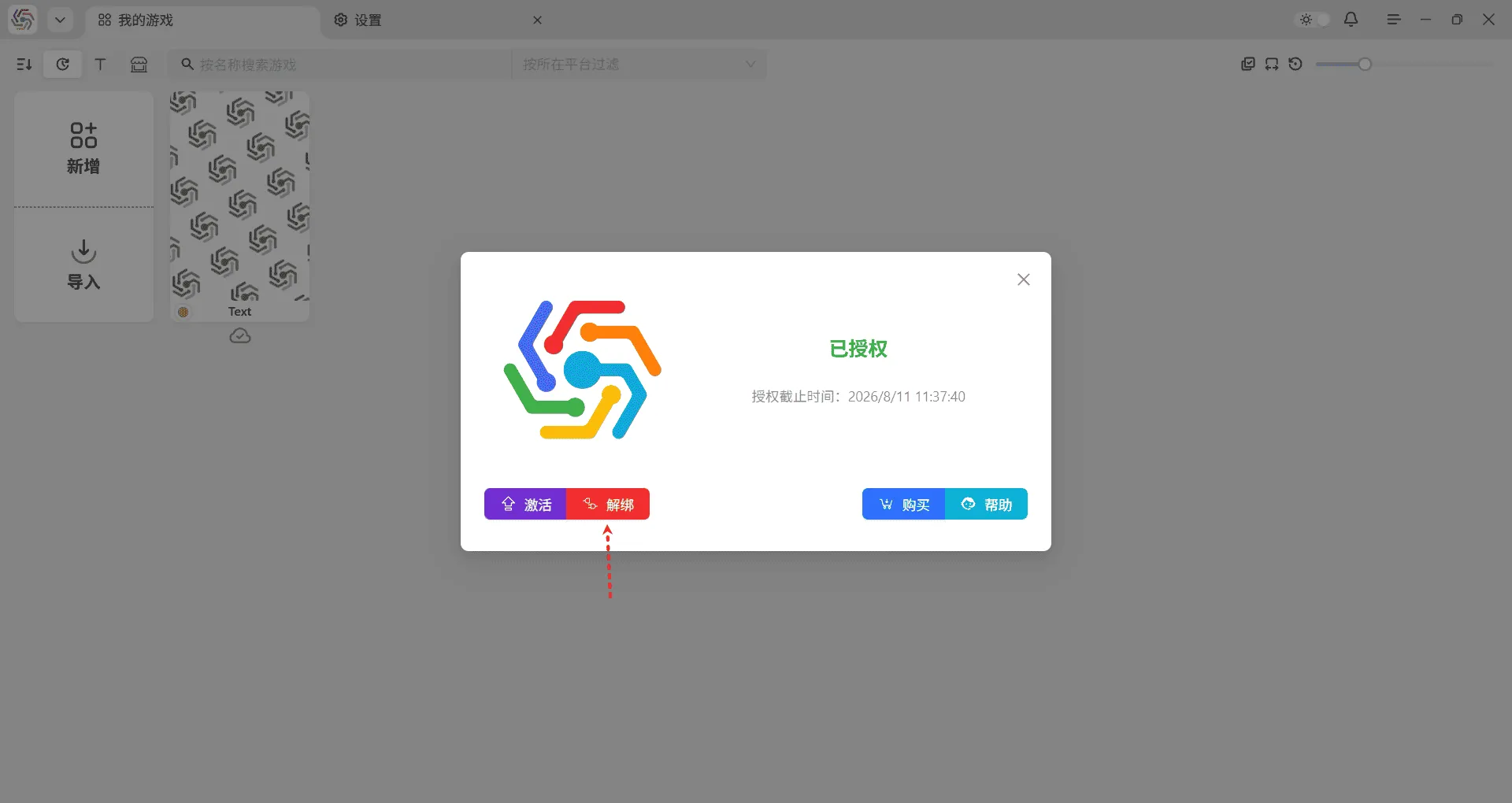
Section titled “Device Rebinding”The software license is bound to its device on a one-to-one basis (installation version is bound to the operating system, portable version is bound to the hard drive partition). If you need to change the bound device, you must first unbind the original license on the old device before you can bind the original license on the new device. Click the unbind button in the software license interface to unbind. If it has not been activated, you can also manually enter the original license ID and key to unbind, as long as the software is on the original device:
After activation, the software can be used offline. However, do not move or tamper with the certificate files privately, or provide false timestamp information to the software. An excellent software requires a good value feedback loop between the developer and the user. Your purchase is an acknowledgment of the software’s value and encouragement to the author, helping the software to improve. If you encounter any problems, feel free to contact us at any time!!!